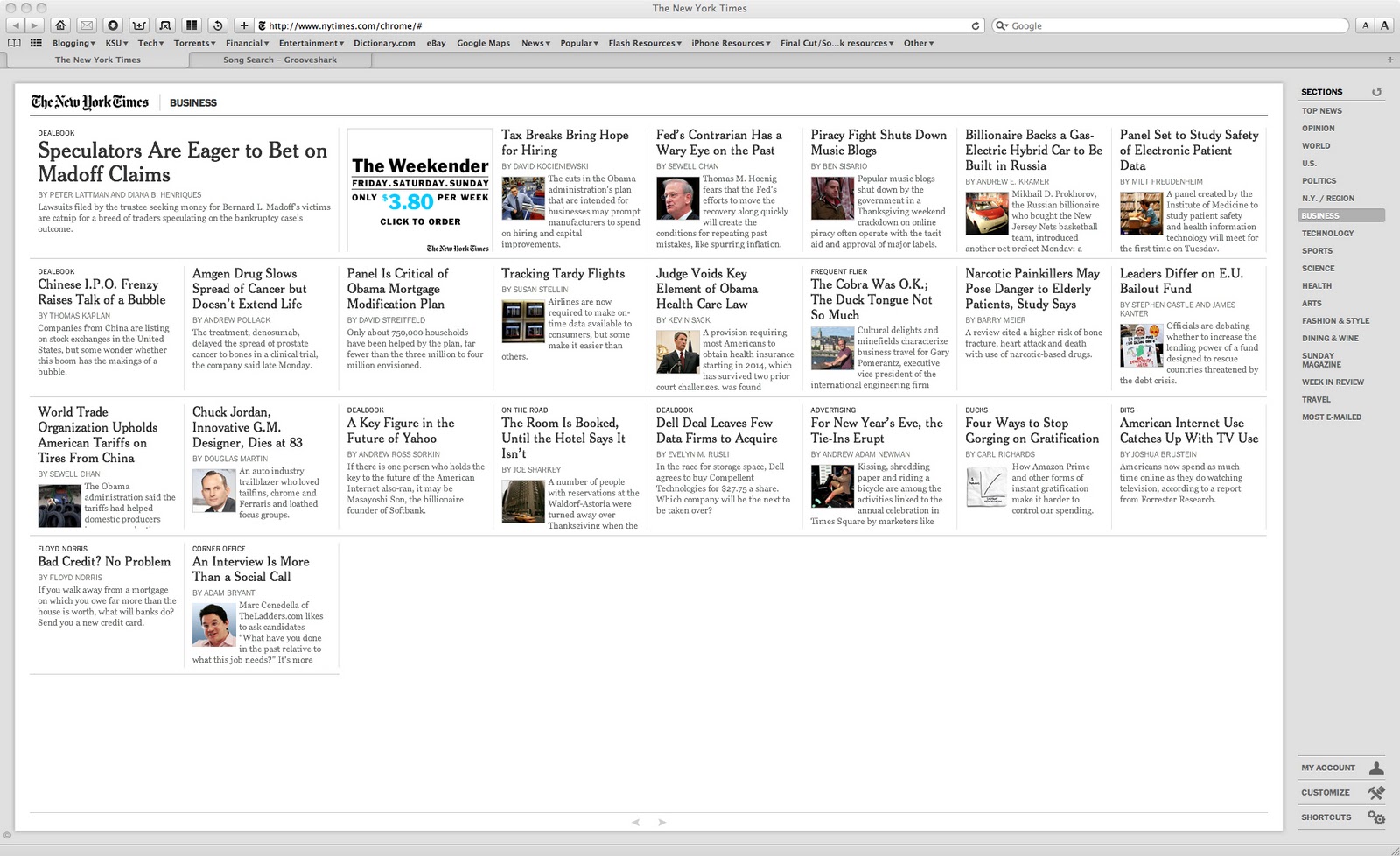
I'm not completely sure of Google's goal with Chrome-based web apps, but it seems that most of the apps available work pretty much everywhere. No Chrome required.
Take a look at these popular web apps, working just fine in multiple browsers.
Here's The New York Times "Chrome" web app (click to enlarge):
And here's the same NYT web app in Safari:
So, I'm a little confused. If these apps are Chrome branded apps, and many are sold through the Chrome web store, what's the point if you can load them up anywhere you wish?
Well, the web, thankfully, is a standards-based development environment. It has to be in order for information and media to work across the world. And for that reason, this stuff works everywhere. Just enter the address into the address bar that is designated for that function of the website. For the NYT example, just type in
www.nytimes.com/chrome/# and hit enter. Or just click the link. It should work in your browser just fine: Internet Explorer, Firefox, Safari, and Chrome. I haven't tested it in Opera, though.
Your browser might ask you to if its okay for the app to use a bit of your hard drive for offline storage. Just hit okay, and you're off. In chrome, it doesn't ask, but that's about the only difference I can tell so far. I'm sure there are few web apps on the Chrome web store that use something specific to the Chrome browser, but for these popular, more generic apps, they seem to work just fine.
Here's some other examples of the web apps in Safari: Springpad, Grooveshark, Picnik, and Amazon's Windowshop (beta).
Yep.